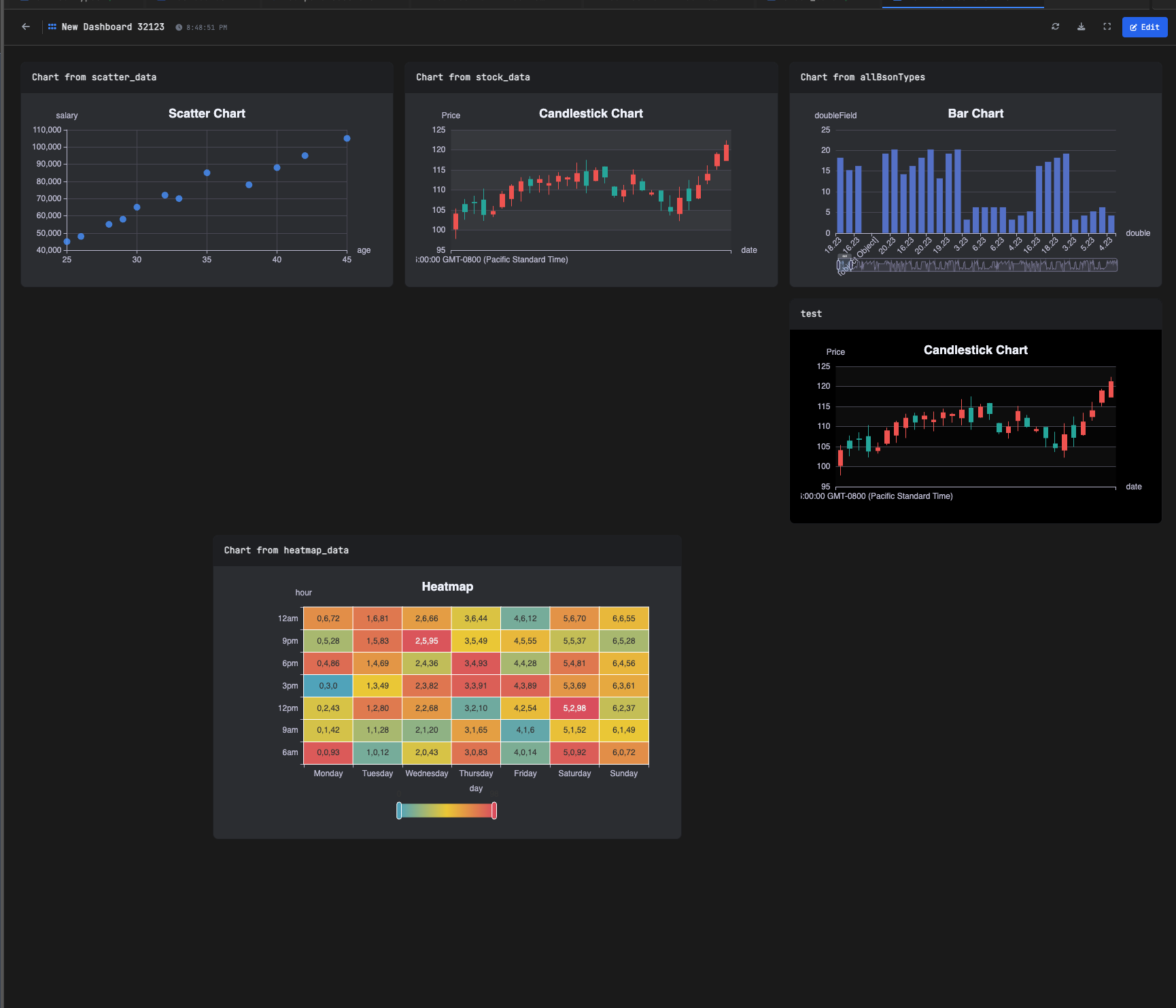
Organize and view all your saved charts
Organize charts into folders with a hierarchical tree structure. Create folders for projects, departments, or report types. Search across all charts by name or description, and quickly navigate to any saved visualization.

Right-click any chart for instant actions: open, edit, duplicate, move to folder, or delete. Preview charts without leaving the library, and manage your entire chart collection from one organized interface.

Type to instantly filter charts by name. Search results update as you type, highlighting matching charts and hiding non-matches. Find any chart in your library within seconds, even with hundreds of saved visualizations.

Get started free with our Community Edition. Includes a 14-day trial of Pro features.